
Title page maker for reports, independent work and coursework
The title page is the first page of an academic paper: ministry and university, faculty, type of work, topic, who prepared it and who accepts it, and the city and year at the bottom. Fill in the fields — a live preview appears on the right — then download the Word (.docx) file.
The list has 214 Uzbek universities, 113 of them with an official logo — pick yours and its name and logo are placed for you.
Preview
REPUBLIC OF UZBEKISTAN
MINISTRY OF HIGHER EDUCATION, SCIENCE AND INNOVATION
REPORT
Topic: …
| Prepared by: | ________________ | |
|---|---|---|
| Accepted by: | ________________ |
Tashkent — 2026
In the Word file: A4, Times New Roman, double border, city and year at the bottom of the page.
What a title page must include
Title pages at Uzbek universities follow almost the same structure. Top to bottom:
Ministry
“Republic of Uzbekistan. Ministry of Higher Education, Science and Innovation”. The ministry was reorganised in December 2022; the old name (“Ministry of Higher and Secondary Specialised Education”) is treated as a mistake.
Full official university name
Not an abbreviation (TUIT, SamDU) but the full name. Many universities also place their logo in the centre.
Faculty and department
Written only if required — no empty lines are left.
Type of work, in large letters
REPORT, INDEPENDENT WORK or COURSEWORK — the largest text on the page.
Subject and topic
“Topic: …” centred and bold. The subject goes with the signature lines.
Prepared by and Accepted by
Student's name and group; teacher's surname and initials. Coursework usually says “Supervisor” instead of “Accepted by”.
City and year at the bottom
“Tashkent — 2026”. The title page counts as page 1 but carries no page number.
Independent work vs coursework title page
The layout is the same; only the type label and the teacher line change. Coursework is written under a supervisor, so the signature line says “Supervisor”; some departments also ask for “Admitted to defence” and “Grade” lines, which are easy to add to the downloaded Word file.
A page border is traditional for reports, independent work and coursework, but not for dissertations or journal articles. The tool draws the border on the title page only.
University requirements: what is shared and what differs
Shared: A4 paper, Times New Roman, centred text, ministry and university in capitals. Many universities use margins of 3 cm left, 1.5 cm right and 2 cm top and bottom — the tool uses the same.
Differences live in the department's guidelines: whether a logo is needed, whether the department is named, “Accepted by” or “Checked by”. If in doubt, compare with your department's sample — everything in the Word file is plain, editable text.
How to use it
1) Choose the type of work. 2) Start typing your university and pick it from the list to get the official name and logo. 3) Add faculty, subject, topic, your name and your teacher's name. 4) Check the preview and press “Download Word (.docx)”.
No sign-up, phone number or payment. What you type is not stored — the file is built for this request and returned immediately.
Samples
These title pages were made with this tool and saved from Word to PDF.
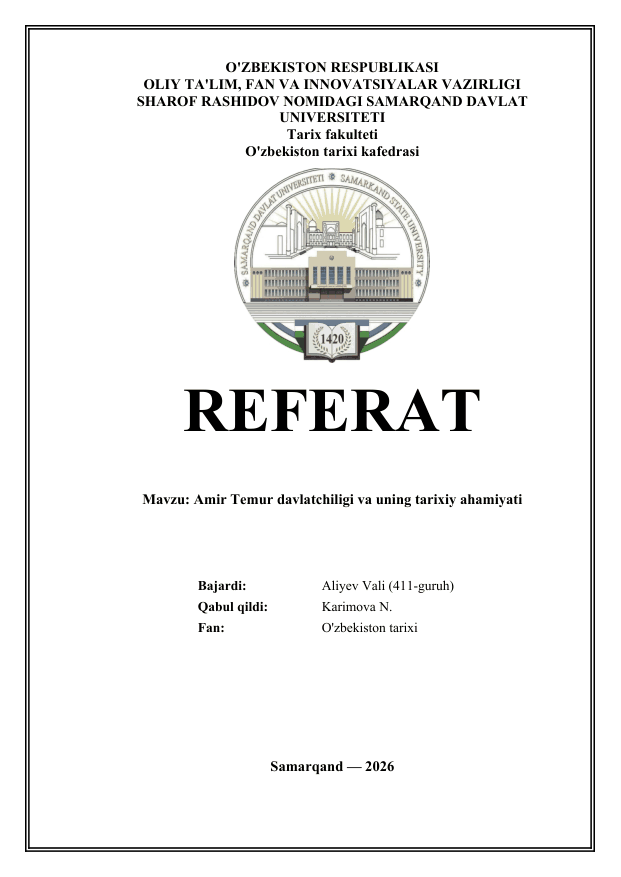
Report (Uzbek) — with the university logo 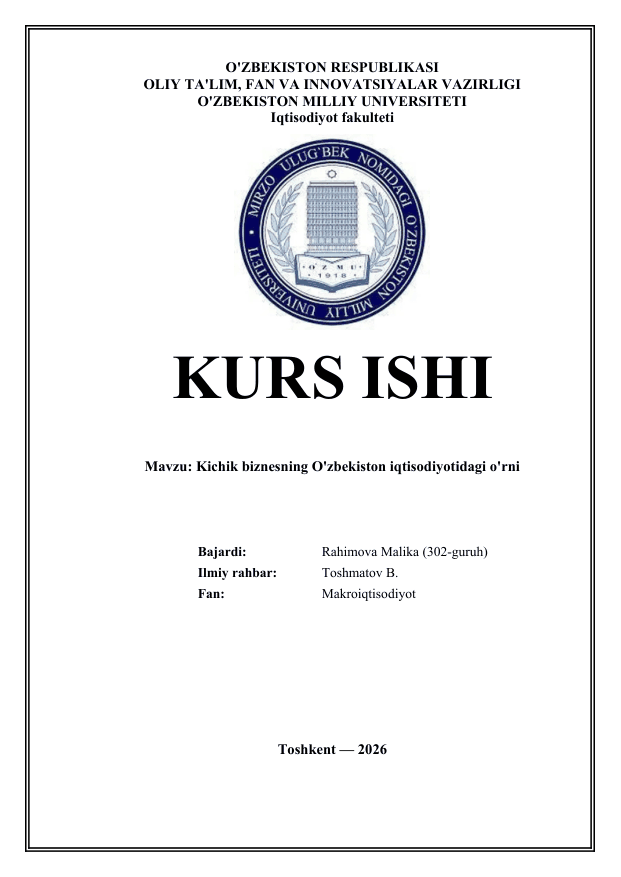
Coursework (Uzbek) — “Supervisor” line 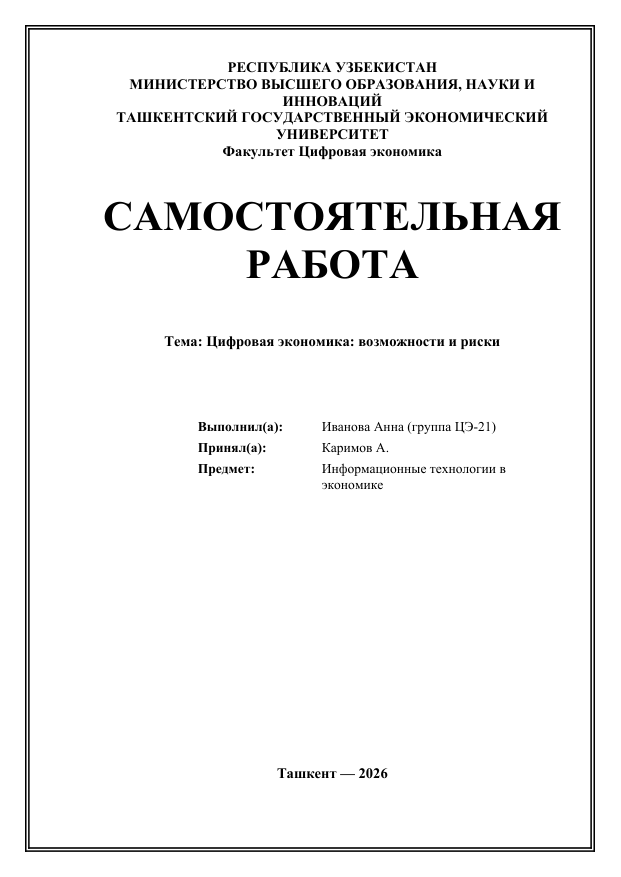
Independent work — in Russian
Frequently asked questions
What goes on a report title page?
The ministry, the full university name, faculty and department, “REPORT” in large letters, subject and topic, the student (with group), the teacher who accepts it, and the city and year at the bottom.
Does coursework say “Accepted by” or “Supervisor”?
Coursework usually says “Supervisor”; reports and independent work say “Accepted by”. You can choose this line in the tool.
Is a university logo required?
It depends on the department. If you pick a university that has a logo in our list, it is placed in the centre; removing it in Word takes one click.
My university is not in the list. What now?
Type its full official name — it is used as typed (in capitals), just without a logo.
Does the title page get a page number?
No. It counts as page 1, but the number is not shown.
Is it free? Do I need to sign up?
It is free and works without sign-up. Nothing you type is stored.
Can the title page be in Uzbek or Russian?
Yes — choose the language in “Title page language”: the ministry, work type and signature lines follow it.