
Slide templates · 22 styles · 11 new
Presentation templates
22 slide designs, each shown on slides from a real presentation. Pick a style and slide.uz lays out the text, photos and charts for your topic in that design.
All styles
 New
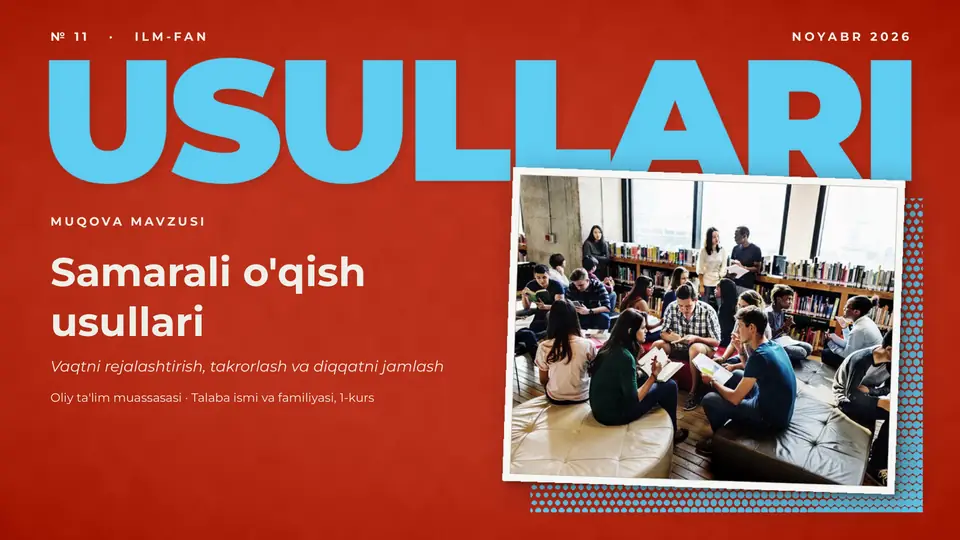
Jurnal
Every slide reads like a magazine page: a huge headline word, a printed photo and clean columns. For literature, culture and the humanities.
View slides New
Shisha
Frosted glass cards on a bright glowing background. Modern and clean — for IT, natural sciences and medicine.
View slides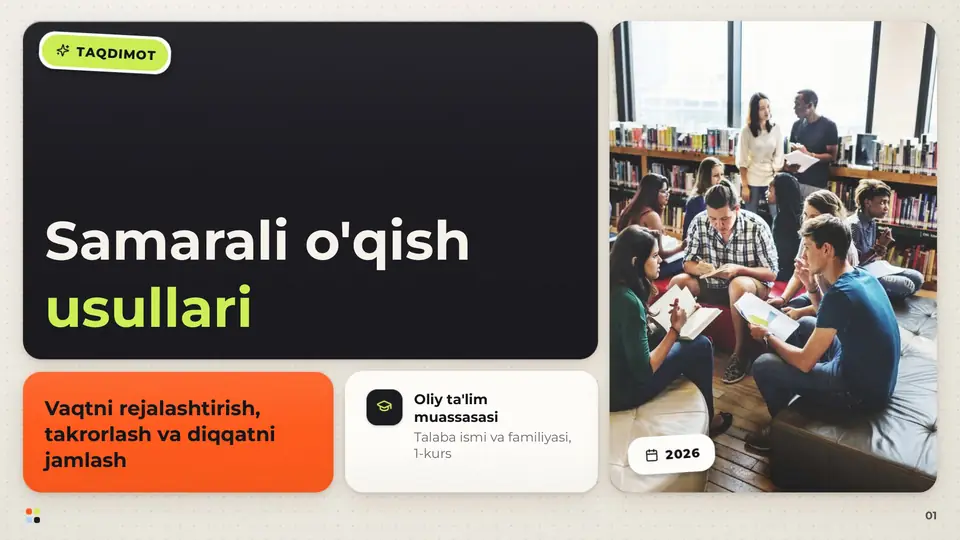 New
Bento
A grid of cards in different sizes: one hero card plus supporting blocks. For business, projects and analysis.
View slides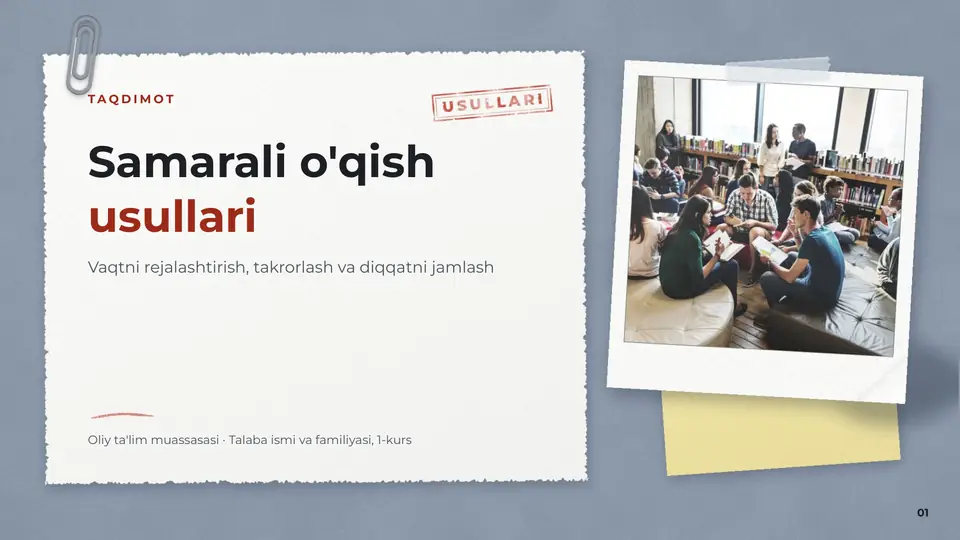 New
Kollaj
A research notebook: grid paper, polaroids, tape and red pencil marks. A lively choice for seminars and coursework defenses.
View slides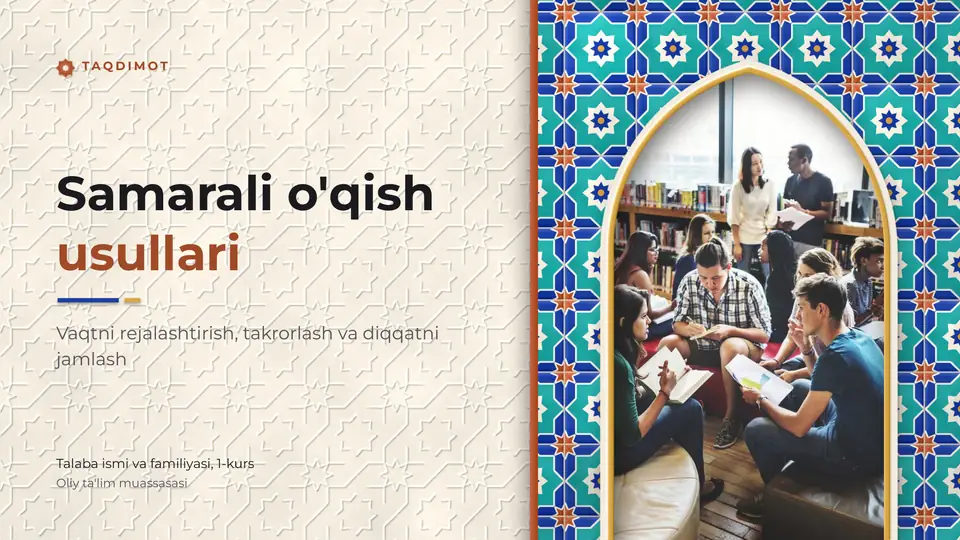 New
Samarqand
Registan tiles, carved ganch plaster and a photo framed in a pointed arch. For history, culture and Uzbek literature.
View slides New
Atlas
Ikat pattern inspired by adras-atlas silk: white ground, indigo and pomegranate red. For national culture and art.
View slides New
Plakat
Swiss poster style: a giant word or number cropped at the slide edge, dark ground and a bright lime accent. For creative topics and design.
View slides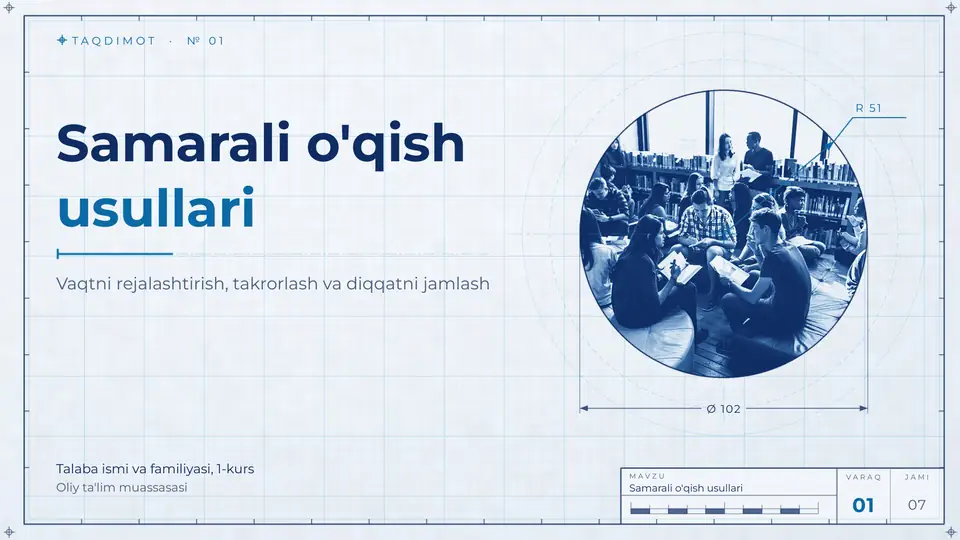 New
Chizma Kalka
White-blue drafting paper, dimension lines and a title block. A light option for engineering, architecture and technical subjects.
View slides New
Shisha Tun
The night version of Shisha: graphite ground, teal glow and an amber accent. For IT and technology.
View slides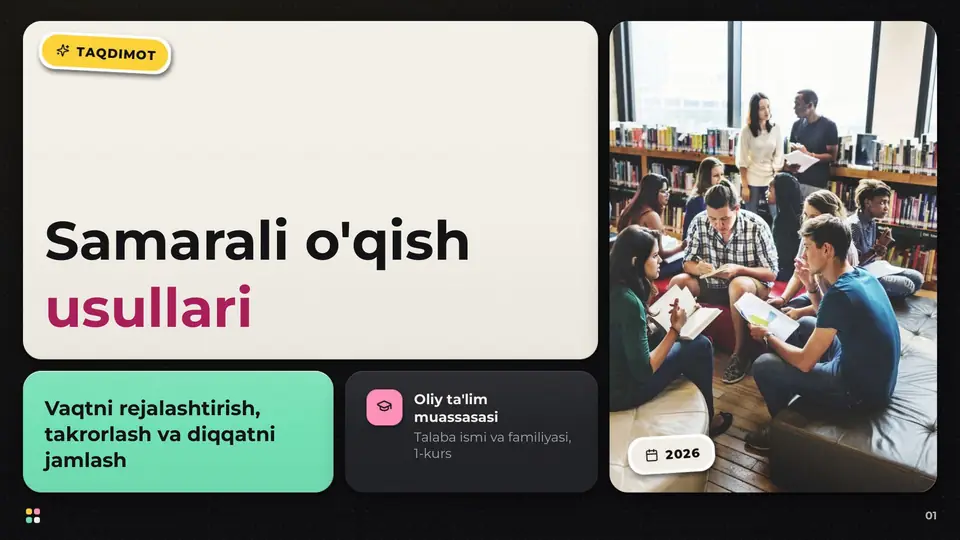 New
Bento Tun
The dark version of Bento: charcoal ground, cream cards and a yellow accent. For business and IT.
View slides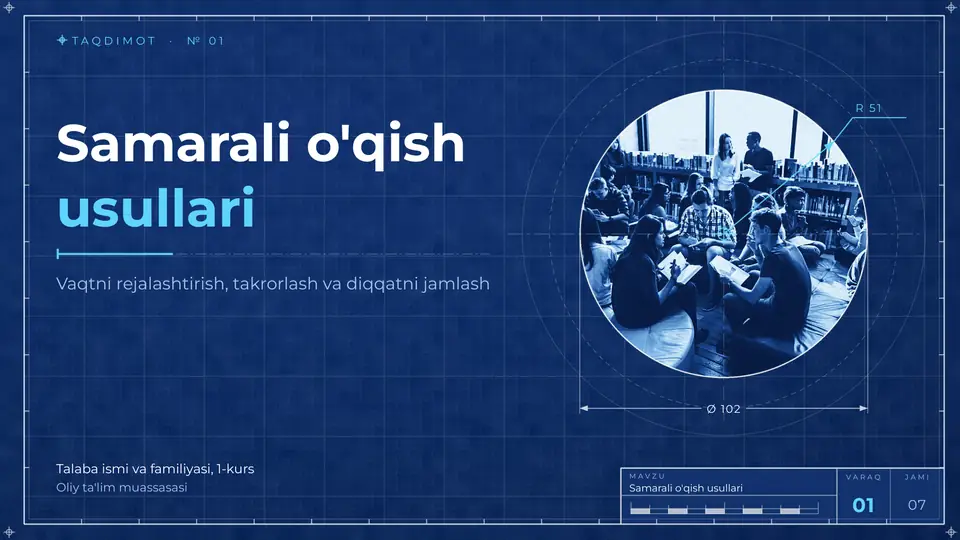 New
Chizma
A blue engineering blueprint: frame, grid and numbered callouts. For technology, physics and engineering.
View slides
Osmon
Light sky-blue ground, white cards and a soft gradient. Clear on a projector and in print — education, medicine, psychology.
View slides
Bahor
Soft mint-green ground with rounded cards. A friendly choice for school, pedagogy and ecology.
View slides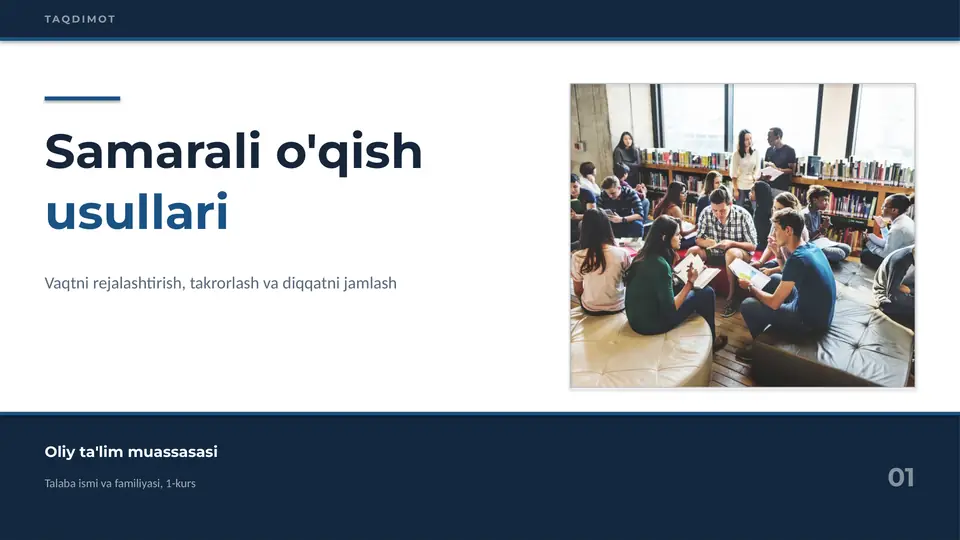
Akademik
White ground, a dark title band and a strict layout. For thesis defenses, conferences and research talks.
View slides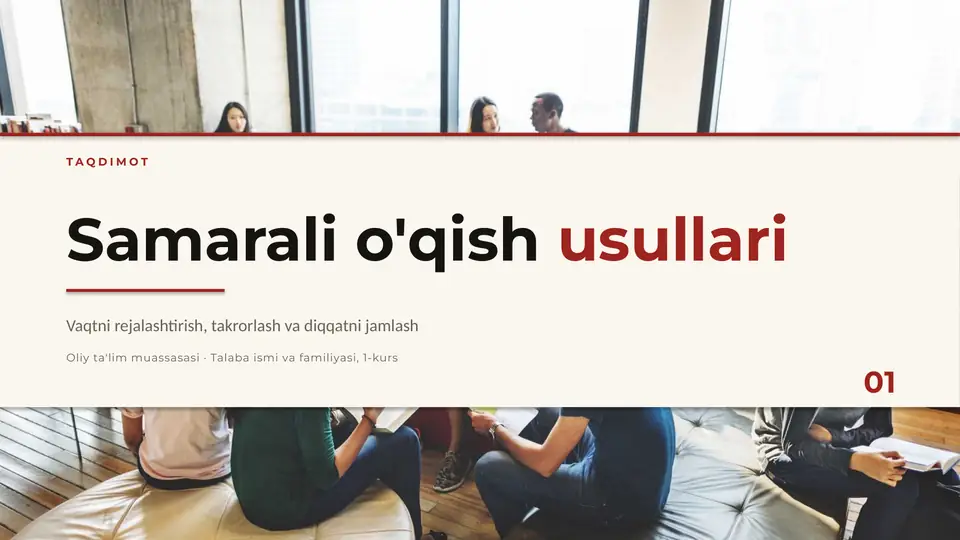
Qog'oz
Cream paper, a big black headline and a thin red rule — like a quality magazine page. For literature, law and history.
View slides
Aurora
Dark violet-blue gradient, soft glow and glass cards. For IT, space and modern technology.
View slides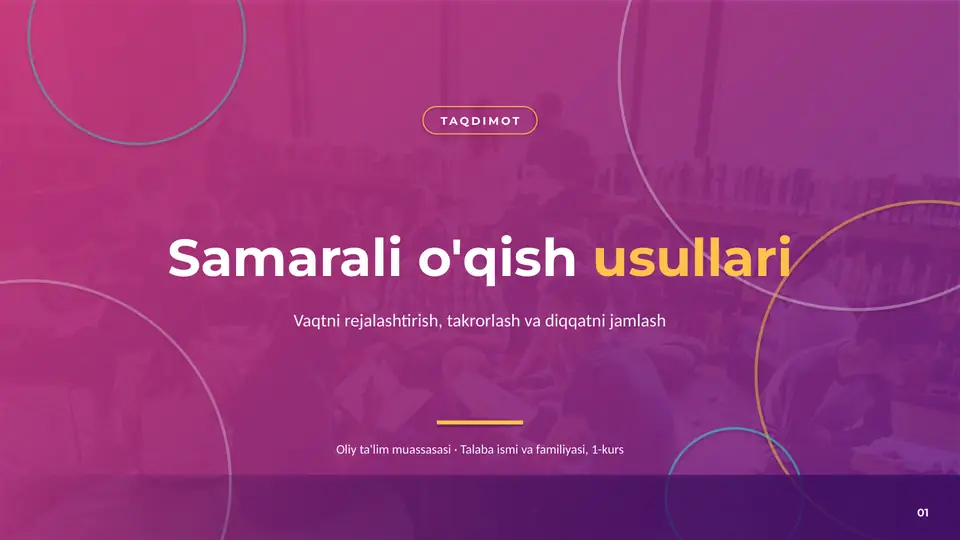
Gradient
A saturated colour gradient, white cards and centred headlines. For startups, projects and marketing.
View slides
Grafit
Near-black graphite ground, amber accent and editorial typography. A serious look for business, economics, finance and law.
View slides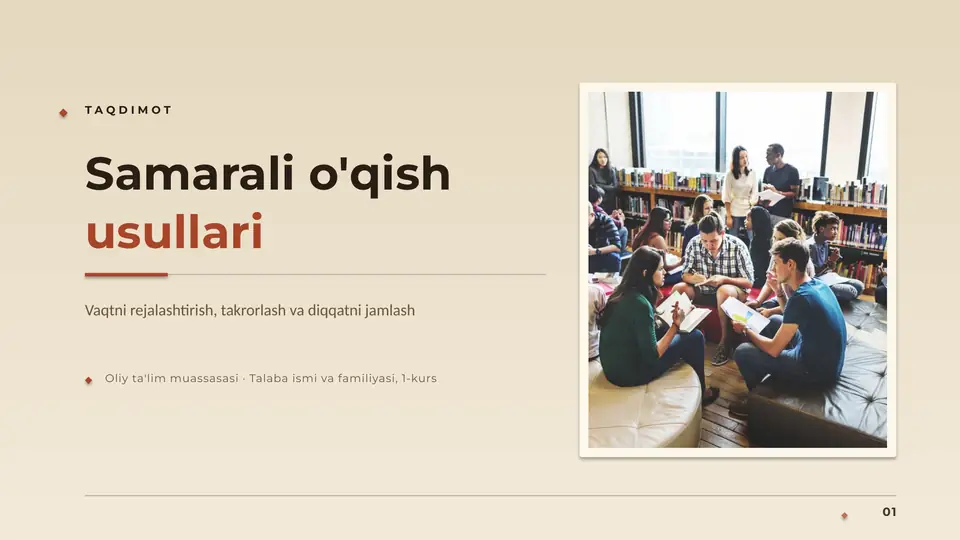
Tuproq
Warm cream paper and burnt-clay red — the tone of a manuscript book. For history, literature and nature.
View slides
Zarafshon
Deep lapis ground, gold accent and girih pattern. For history, culture and national heritage.
View slides
Kanvas
A Bauhaus poster: large coloured geometric blocks on a dark ground. For art, design and creative topics.
View slides
Neon
Black ground, a fine control grid and a bright green neon accent. For programming, cybersecurity and engineering.
View slides
How a template works
- 1
Pick a style
Preview the title, text, chart and key-number slides of every style.
- 2
Enter your topic
Topic, number of slides and language — nothing else. You see a free outline first.
- 3
Get the finished file
Text, photos and charts are placed in the chosen design. You get a PPTX that opens in PowerPoint.
You can switch style later
Move a finished presentation to another design on the result screen — the text stays the same.
Create a presentationOnly need a background?
See the text-free background of every style on a separate page.
Frequently asked questions
Can I download a template as a PPTX file?
Yes. Every style page has a free blank template: a 6-slide PPTX (title, section, text, comparison, picture placeholder, closing) where you write the text yourself. If you need a FINISHED presentation on your topic, slide.uz builds it in that style with text, photos and charts. Both files are editable in PowerPoint, Google Slides and WPS.
Which template suits a thesis defense?
For a formal defense, Akademik, Qog'oz or Grafit work well: white or dark ground, a strict layout, no extra decoration. Each style page lists the topics it suits.
Can I change the template colours?
Each palette is chosen in advance and checked for text contrast. Instead of changing colours, switch to another style — the design of a finished presentation changes on the result screen.
Do the templates work in Russian and English?
Yes. Presentations are made in Uzbek, Russian and English; the design is the same in every language.