
Slide backgrounds · 22
Backgrounds for slides
The text-free background of every slide.uz style: national patterns, light, dark and minimal. Download any of them free as a 1920×1080 JPG — or pick one and AI builds the whole presentation (title, charts, photo slides) in that design.
All backgrounds are free, no sign-up. A small “slide.uz” mark sits in the corner.
Presentation templatesLight backgrounds · 12
 Use this backgroundView slidesJurnalJPG · 1920×1080 · 460 KBDownload
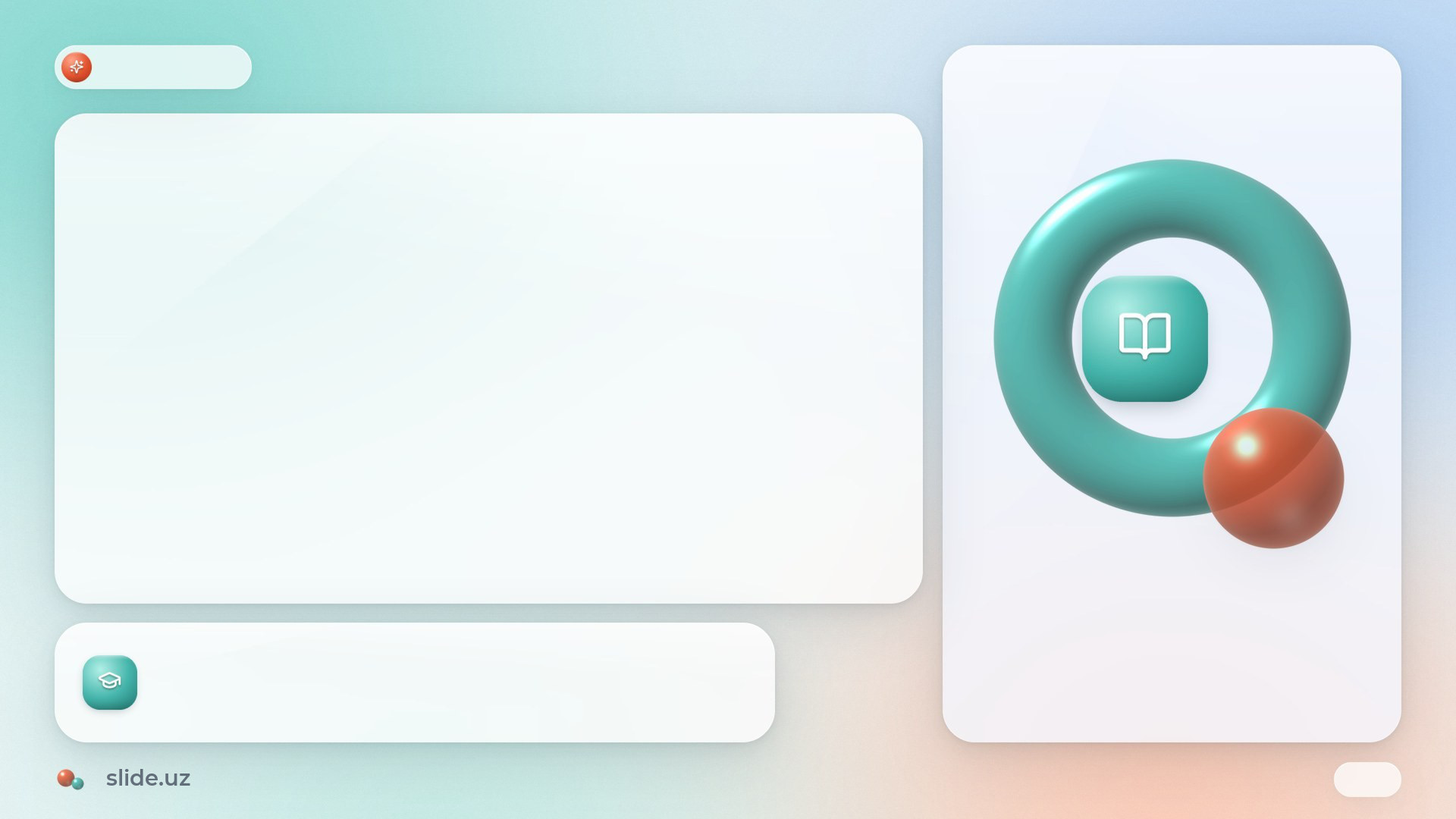
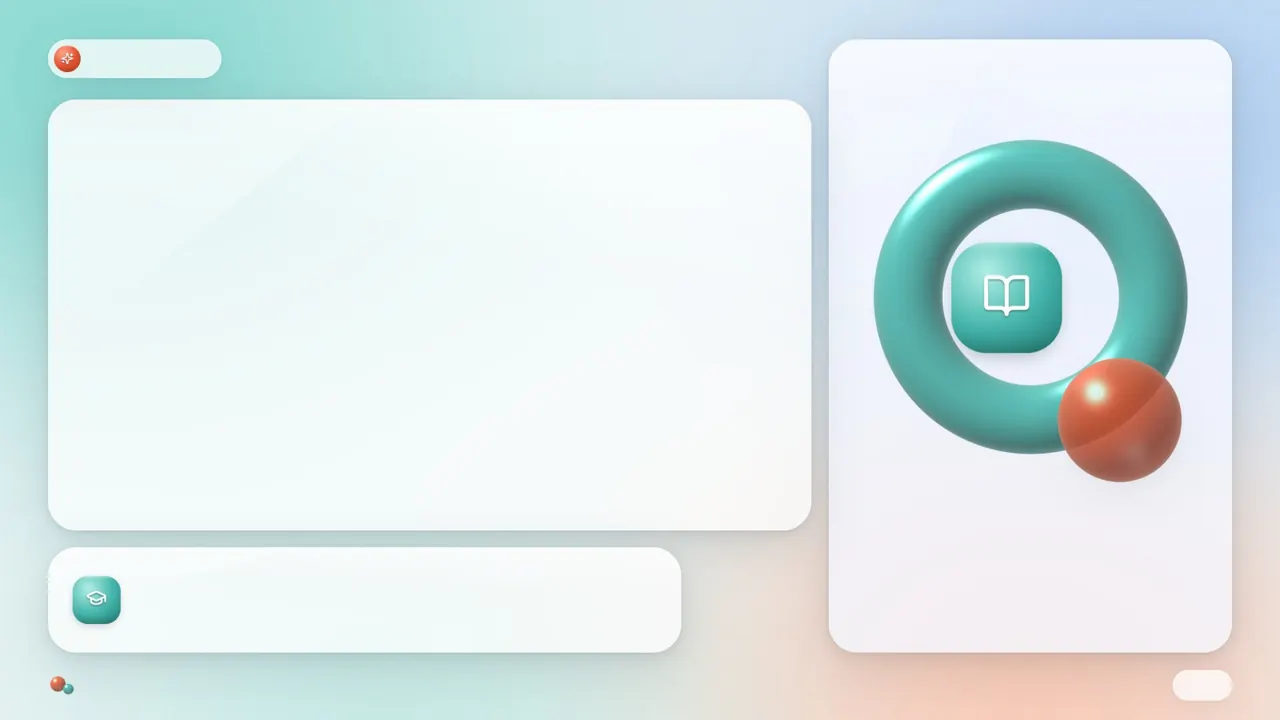 Use this backgroundView slidesShishaJPG · 1920×1080 · 127 KBDownload
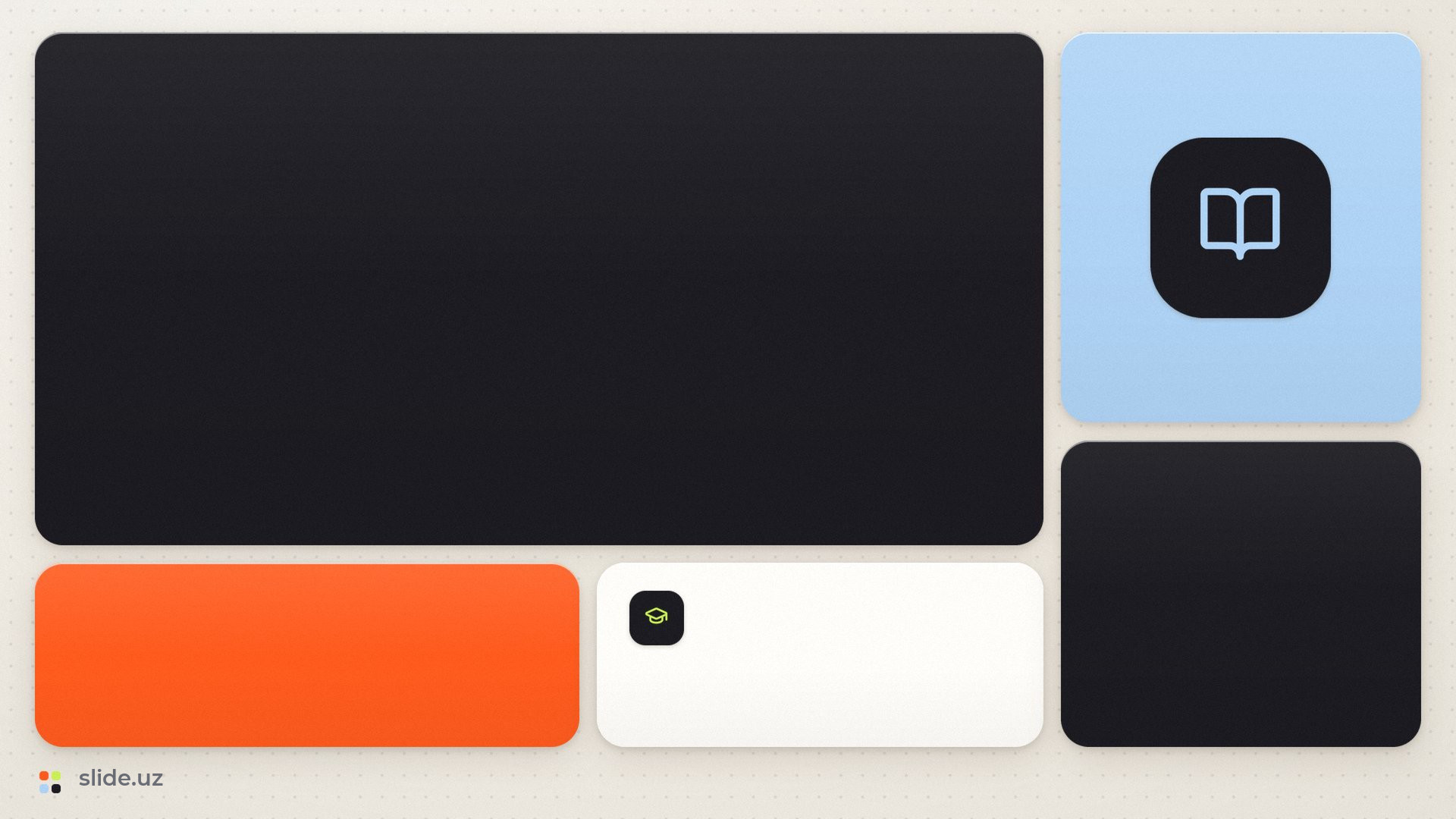
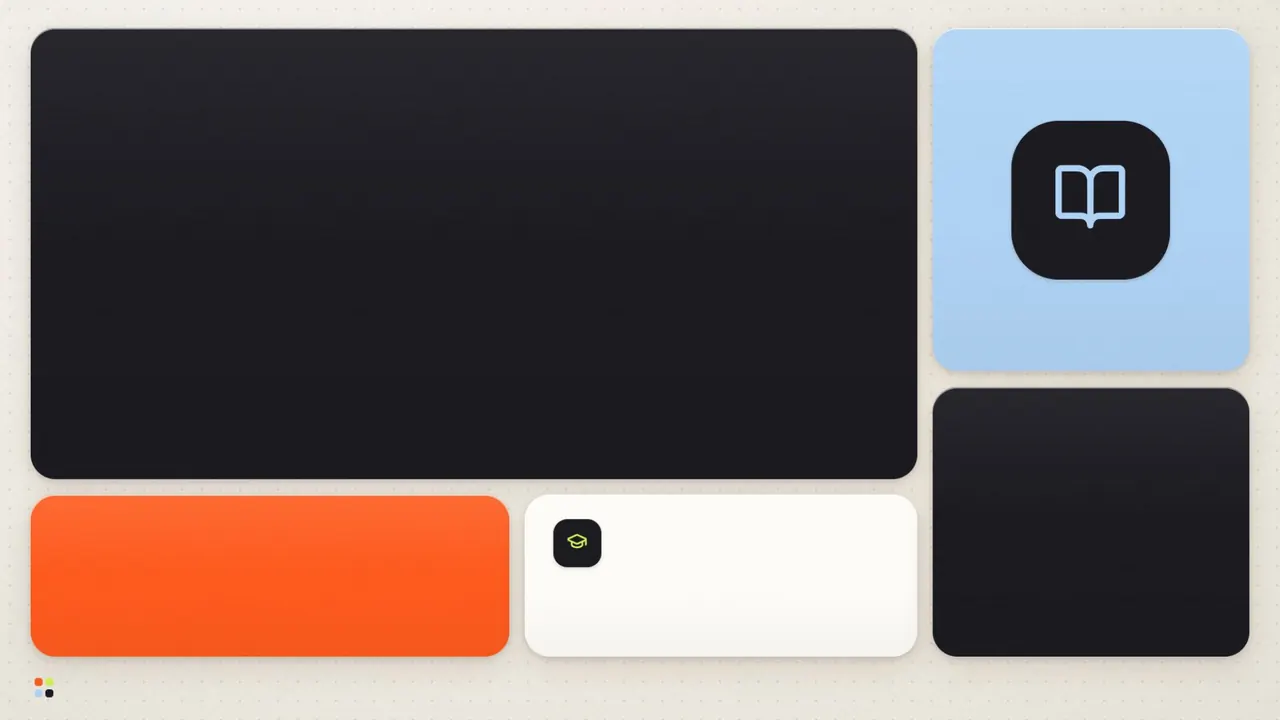 Use this backgroundView slidesBentoJPG · 1920×1080 · 216 KBDownload
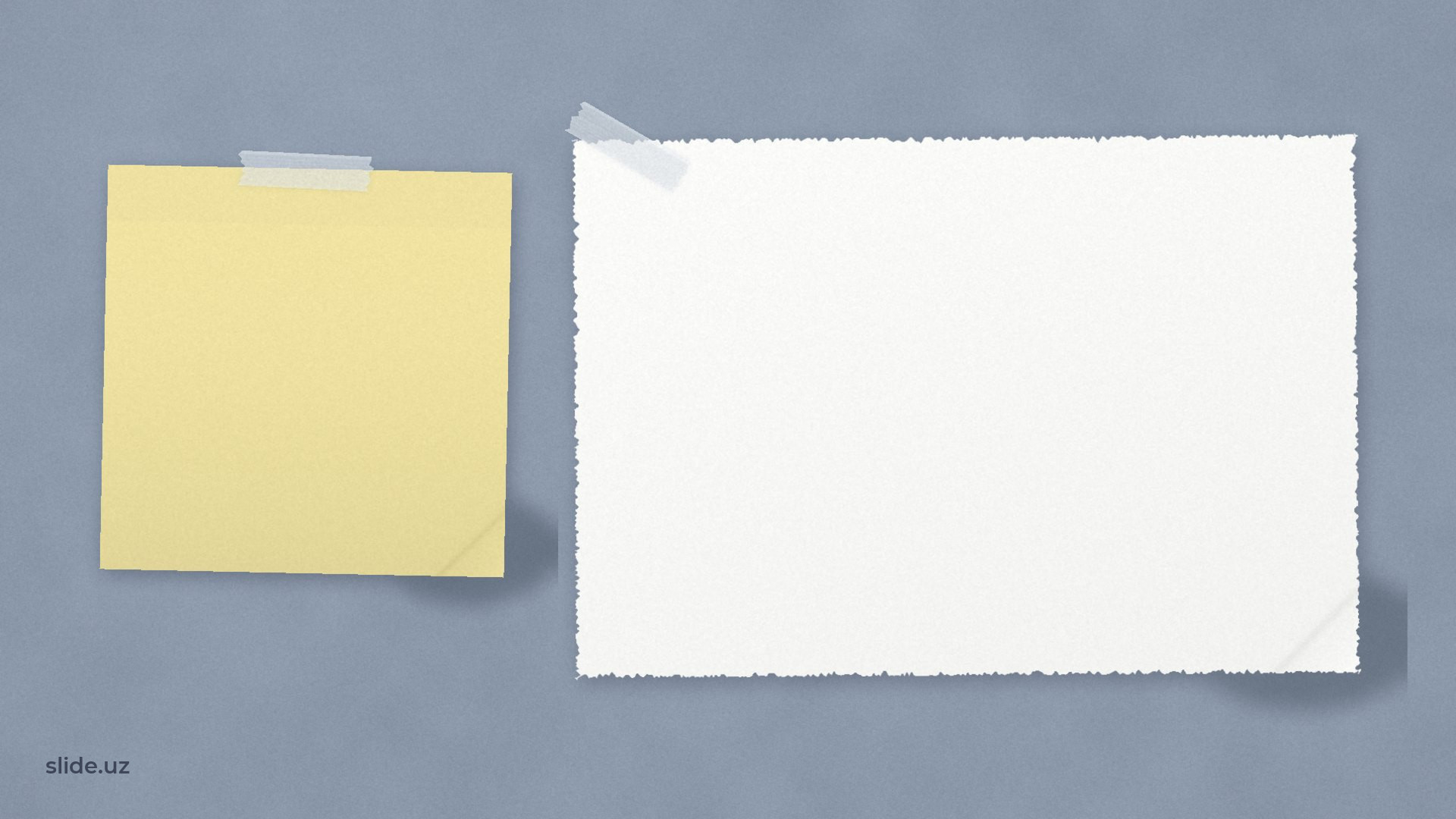
 Use this backgroundView slidesKollajJPG · 1920×1080 · 237 KBDownload
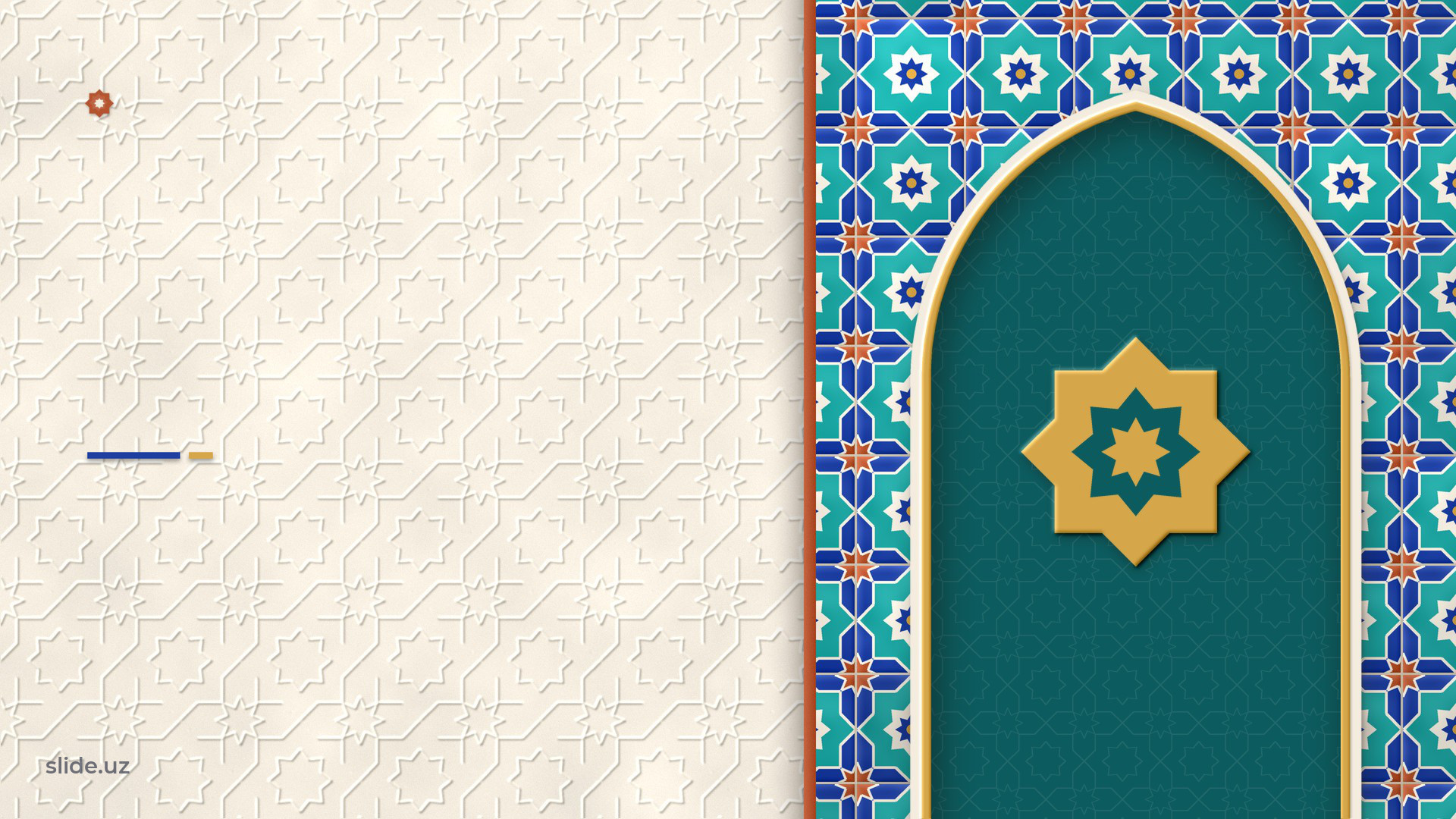
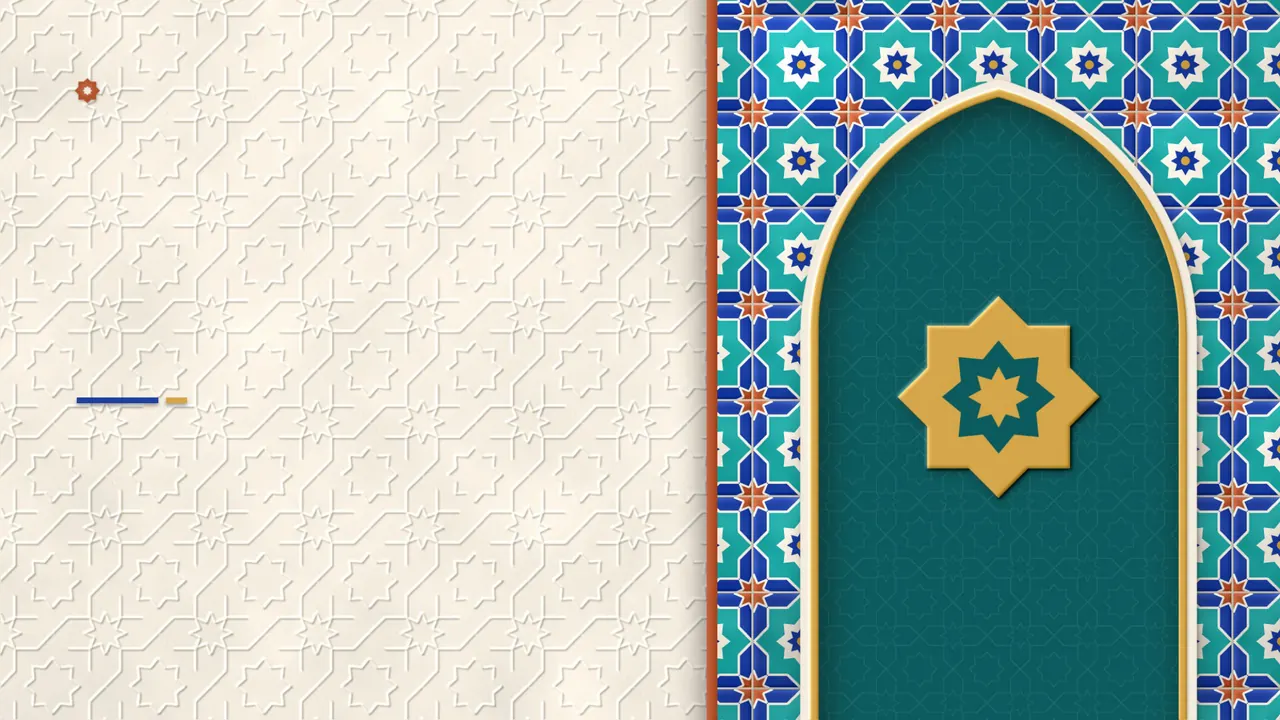 Use this backgroundView slidesSamarqandJPG · 1920×1080 · 567 KBDownload
 Use this backgroundView slidesAtlasJPG · 1920×1080 · 152 KBDownload
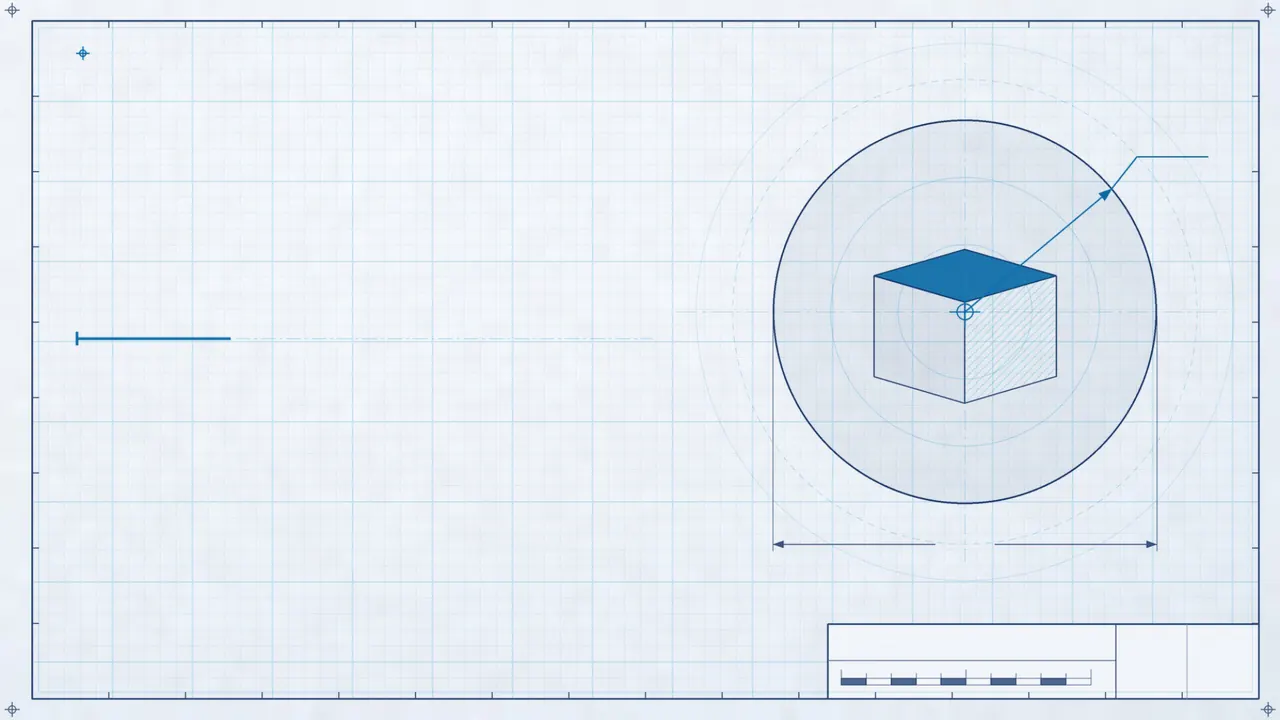 Use this backgroundView slidesChizma KalkaJPG · 1920×1080 · 443 KBDownload
 Use this backgroundView slidesOsmonJPG · 1920×1080 · 76 KBDownload
 Use this backgroundView slidesBahorJPG · 1920×1080 · 64 KBDownload
 Use this backgroundView slidesAkademikJPG · 1920×1080 · 48 KBDownload
 Use this backgroundView slidesQog'ozJPG · 1920×1080 · 42 KBDownload
 Use this backgroundView slidesTuproqJPG · 1920×1080 · 49 KBDownload






Dark backgrounds · 10
 Use this backgroundView slidesPlakatJPG · 1920×1080 · 304 KBDownload
 Use this backgroundView slidesShisha TunJPG · 1920×1080 · 116 KBDownload
 Use this backgroundView slidesBento TunJPG · 1920×1080 · 237 KBDownload
 Use this backgroundView slidesChizmaJPG · 1920×1080 · 499 KBDownload
 Use this backgroundView slidesAuroraJPG · 1920×1080 · 53 KBDownload
 Use this backgroundView slidesGradientJPG · 1920×1080 · 98 KBDownload
 Use this backgroundView slidesGrafitJPG · 1920×1080 · 52 KBDownload
 Use this backgroundView slidesZarafshonJPG · 1920×1080 · 160 KBDownload
 Use this backgroundView slidesKanvasJPG · 1920×1080 · 62 KBDownload
 Use this backgroundView slidesNeonJPG · 1920×1080 · 93 KBDownload







A background is only the start
On a blank background you place the text, photos and charts yourself. On slide.uz you type the topic and AI builds the full presentation in this style. You see a free outline first.
How to choose a slide background
Room lighting
In a bright room and on a projector a light background is easier to read; in a dark hall and on a screen a dark one looks great.
Topic tone
National patterns for history and culture (Samarqand, Zarafshon, Atlas), blueprint or neon for technology, a calm academic look for a defense.
Text first
A background should stay in the background. On slide.uz text-to-background contrast is checked for every style.
Frequently asked questions
Can I download a background separately?
Yes — free, no sign-up. The “Download” button under each background gives a 1920×1080 JPG; in PowerPoint set it via Design → Format Background → Picture. A small “slide.uz” mark sits in a bottom corner. If you need the whole style (title, section and text slides), get the blank PPTX template on the template page.
Is the background the same on every slide?
No. Each style has its own composition for title, section, text and chart slides, but colours and pattern are shared, so the presentation looks consistent.
Which background works best on a projector?
In a bright room light backgrounds are safest: Osmon, Akademik, Qog'oz or Shisha. Dark ones (Grafit, Neon, Aurora) look best on screens and in dark halls.